

.jpg)


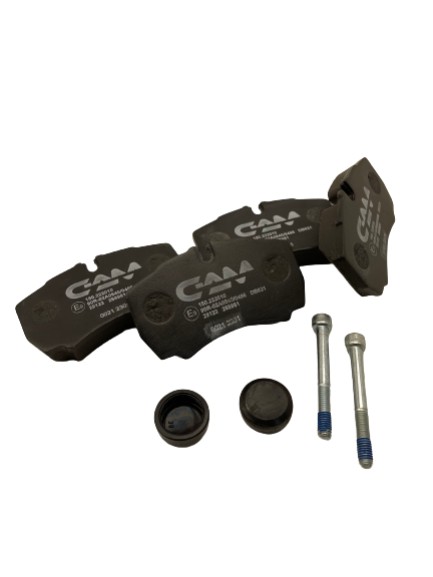
Changing the brake pads on an Iveco Daily: a step-by-step guide
TOOLBOX:
-
Allen keys
-
A ratchet with an extension
-
17/24/27 mm sockets
-
A large hammer
-
Flat-bladed screwdriver
-
Piston pusher or clamp
-
Wire brush
Here are the key steps for changing the front brake pads and discs on an Iveco Daily 35C from 2006 onwards:
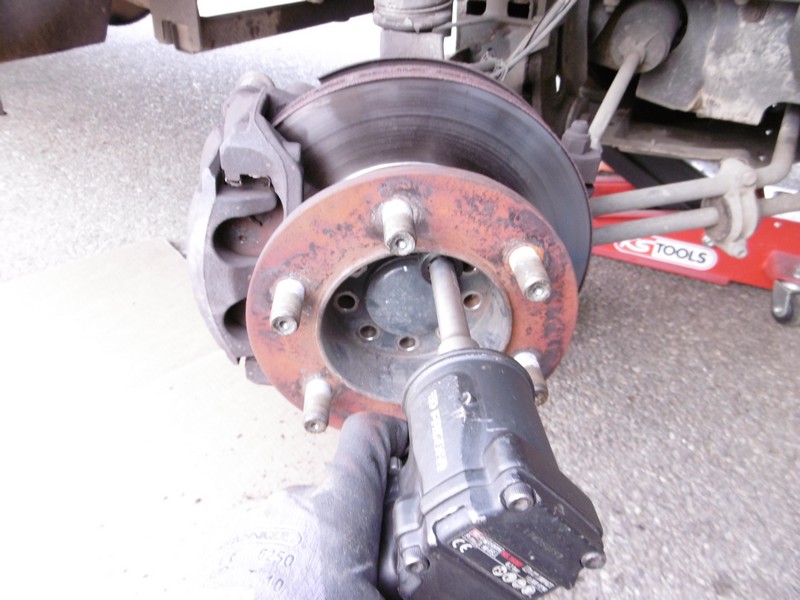
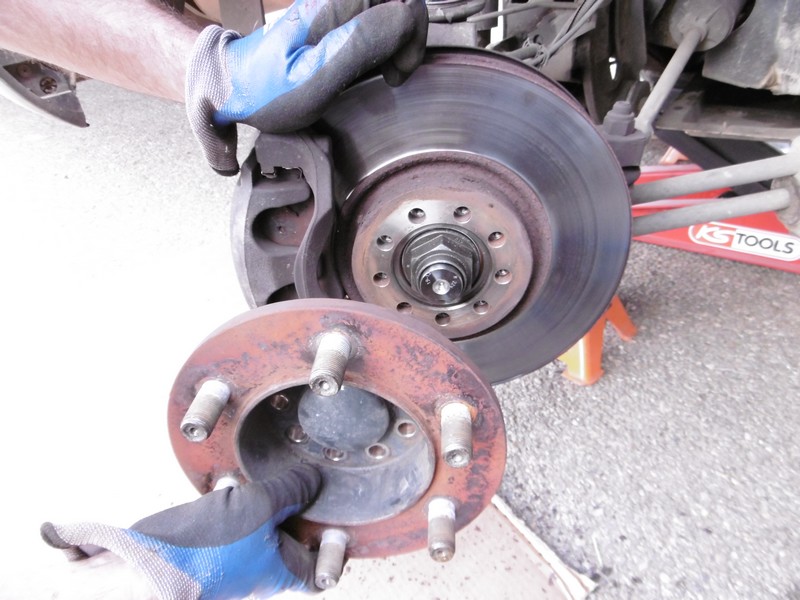
1) Remove your front wheels (27 mm socket) after jacking up and securing the vehicle with jack stands
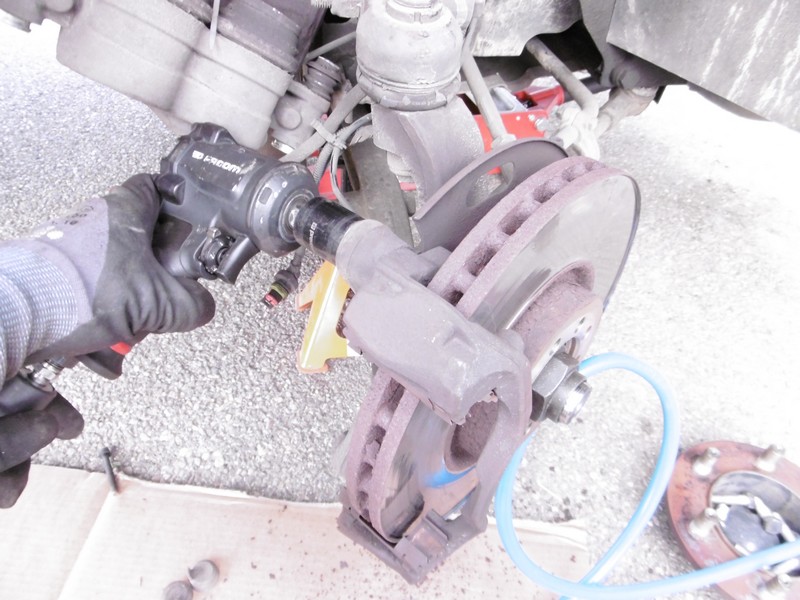
2) Remove the front hub using a 17 mm socket
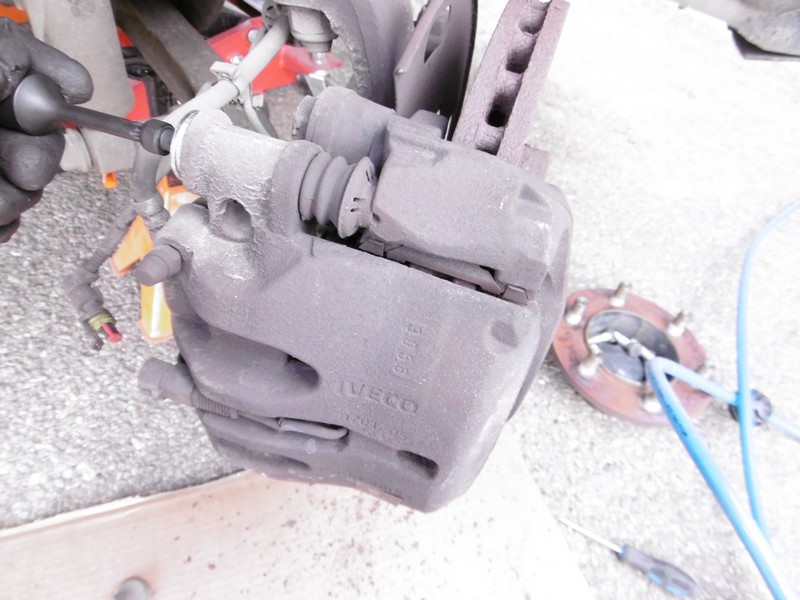
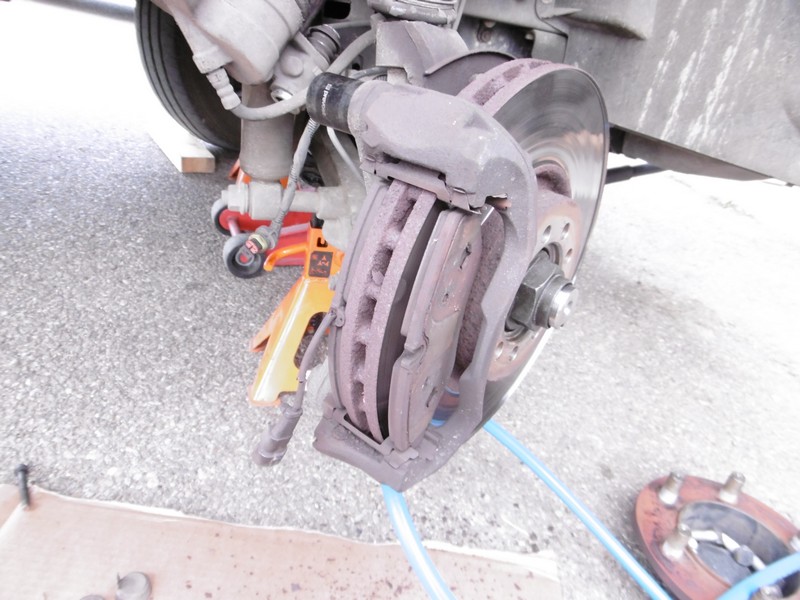
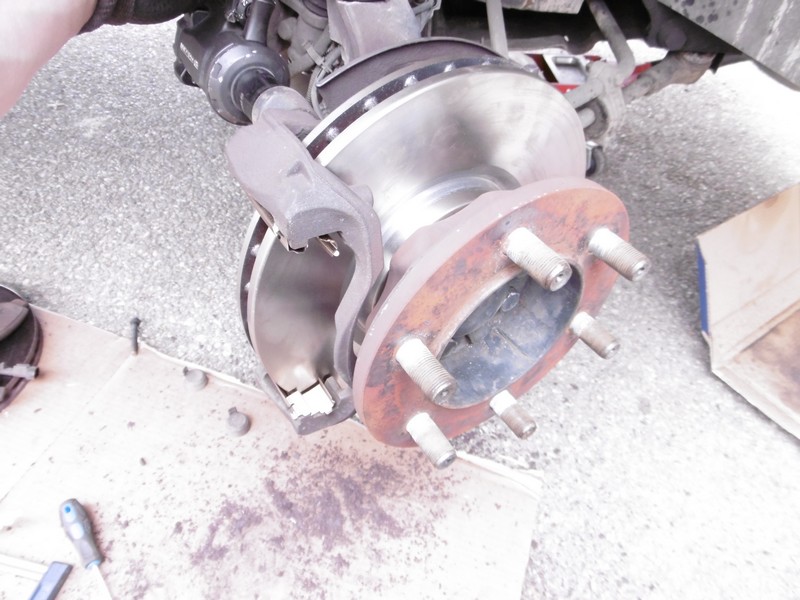
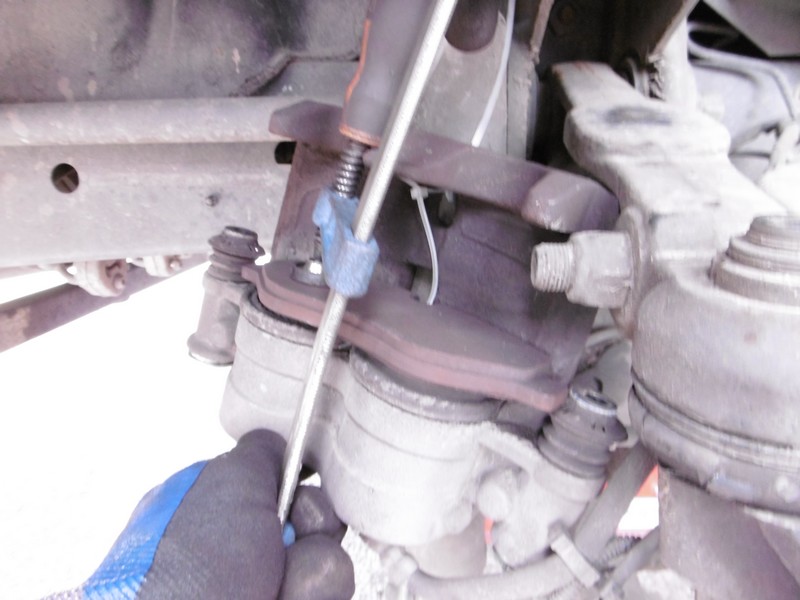
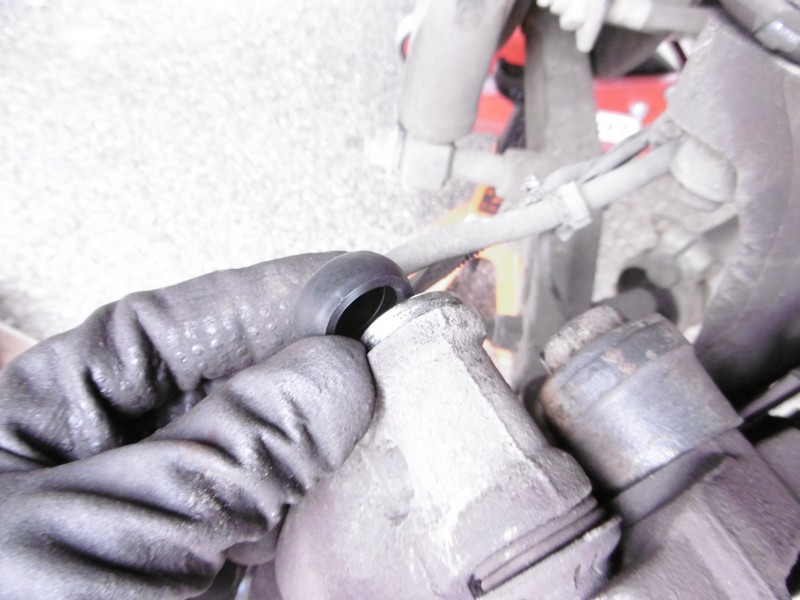
3) Remove the slide cover caps using a flat-bladed screwdriver, then remove the slide bolts to dismantle the caliper
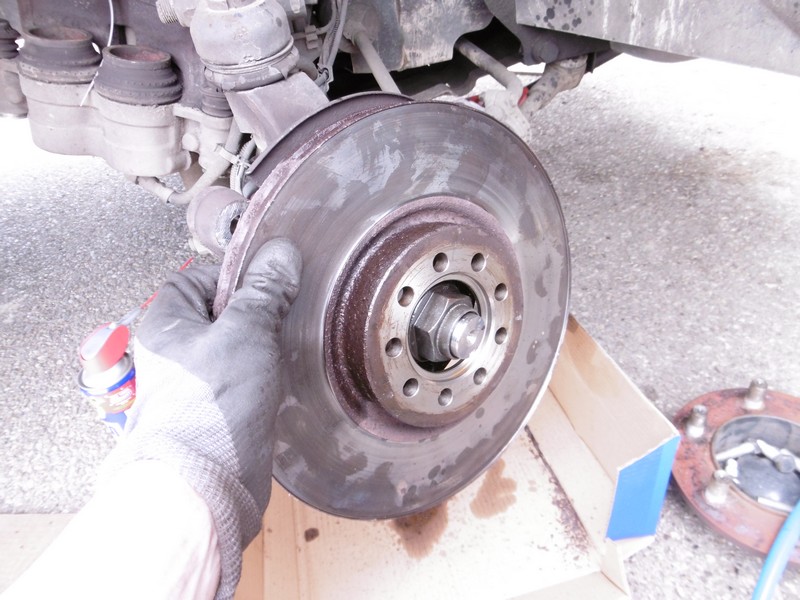
4) Remove the caliper brackets from the rear using a 24 mm socket
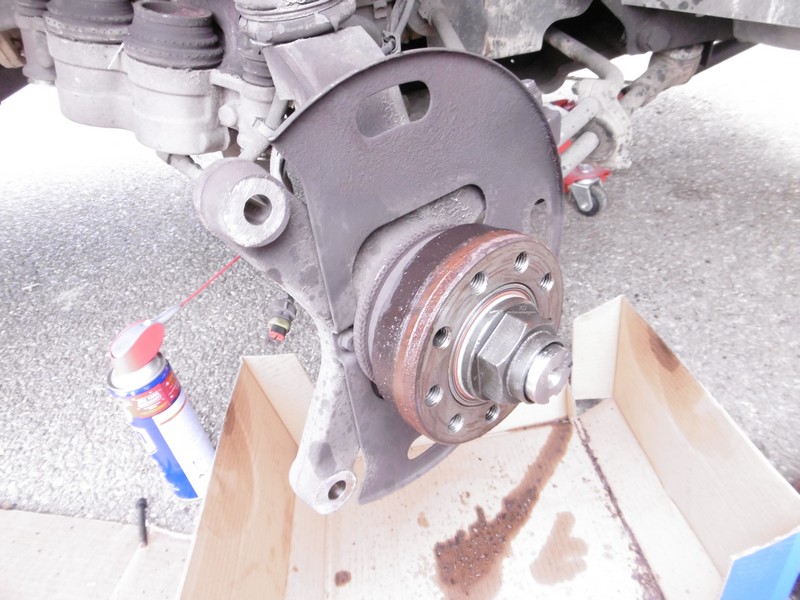
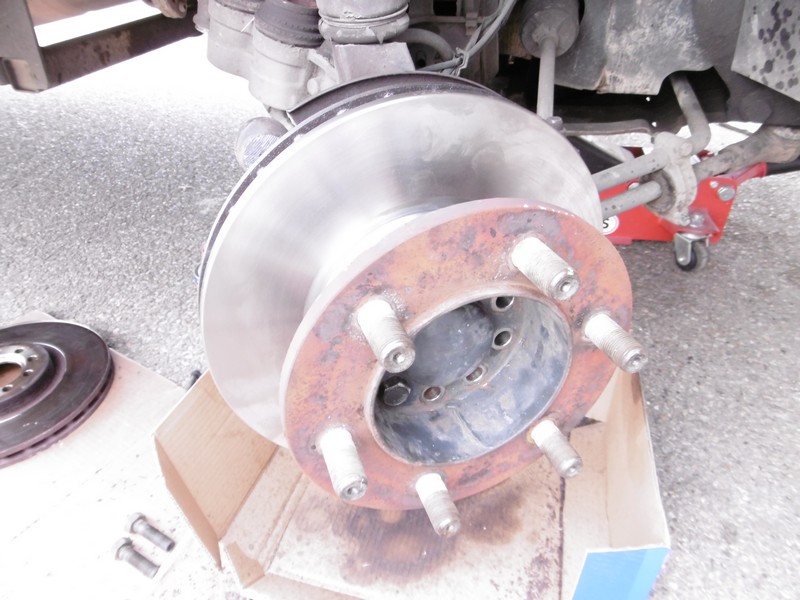
5) Now, using a large hammer, tap firmly on the back of the disc to loosen it. Once the disc is removed, use a wire brush to clean the disc surface, then blow it clean with an air gun
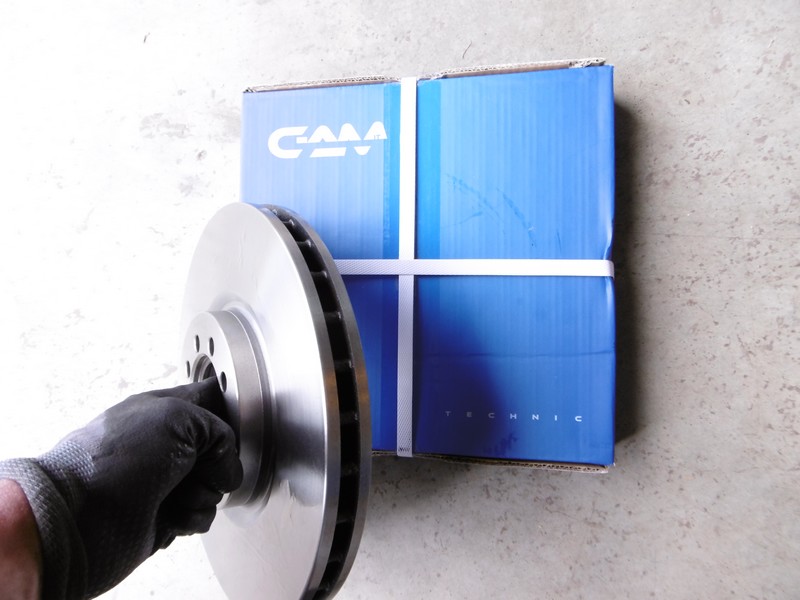
6) Unpack the new discs and degrease them with brake cleaner
7) Fit the disc and then screw the hub back on
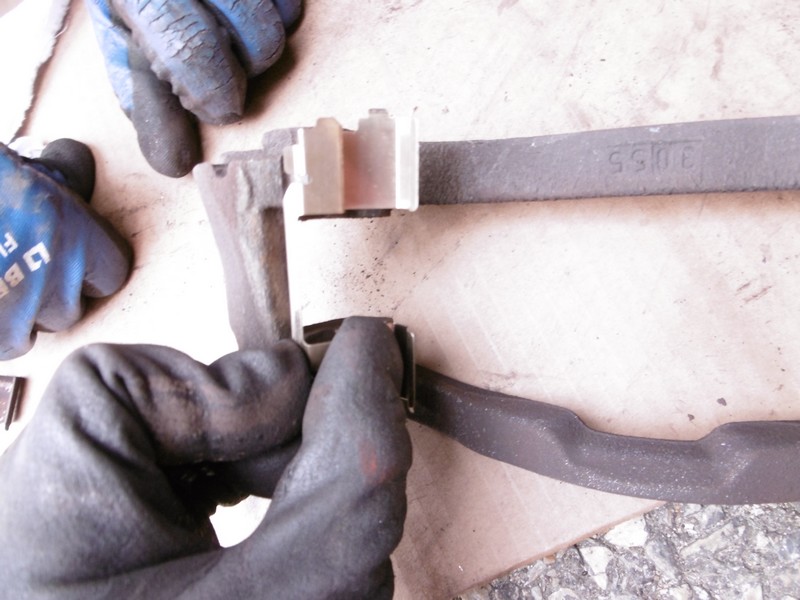
8) Clean the caliper brackets with a wire brush, then fit the new pad springs
9) Refit the caliper mount using the 24 mm socket
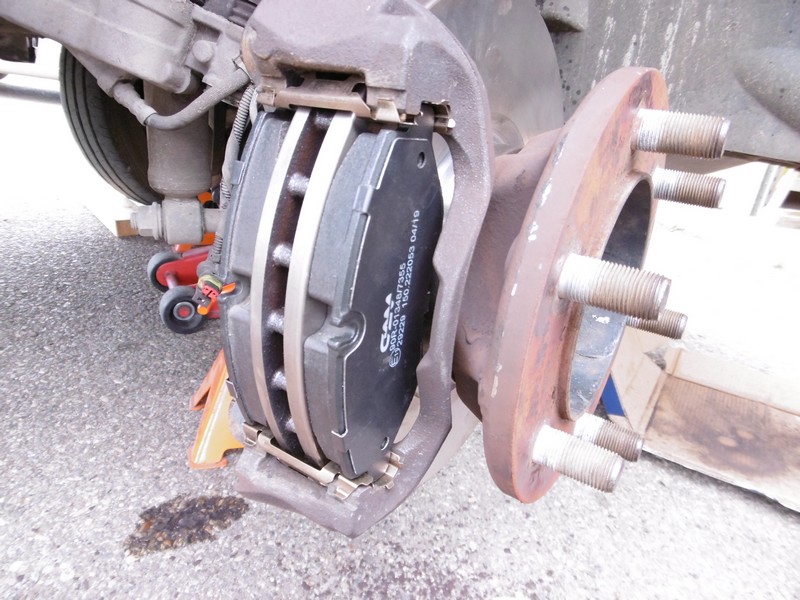
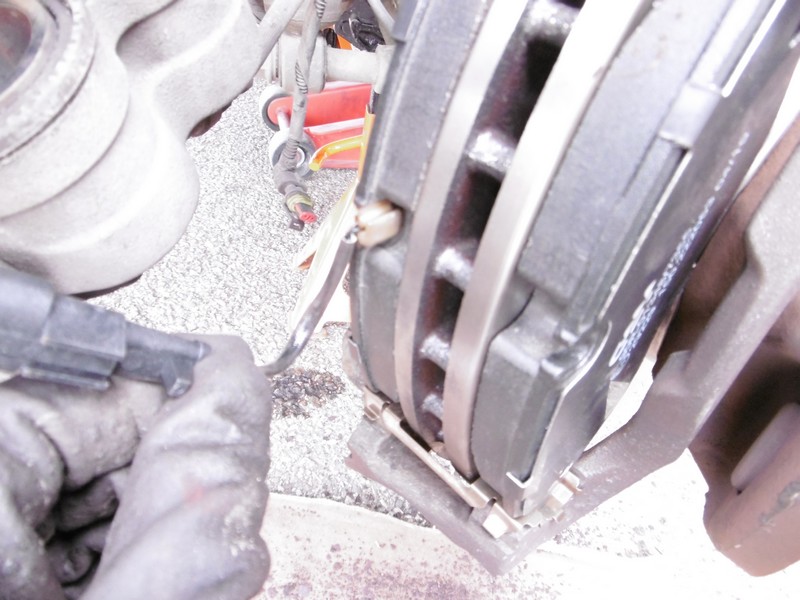
10) Refit the brake pads into the pad holder
11) Push back the caliper pistons. For this example, we used a clamp, which works perfectly well if you don’t have a piston pusher. Use your old pad as a support to push the pistons back simultaneously whilst keeping them perfectly straight.
12) Check the caliper slides; they tend to seize up easily. If necessary, use the slide kit, which you will find as an accessory with the brake pads.
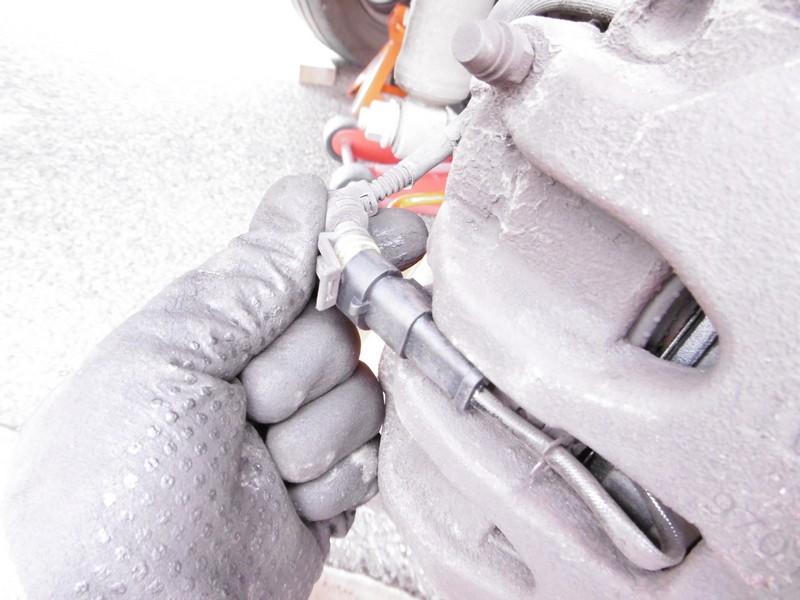
13) Clip the wear indicator onto the pad, then refit the brake caliper by tightening the new slide screws.
14) Finish by refitting the caliper caps
When starting the vehicle, remember to gently pump the brakes until they feel firm before setting off again.
Photo tutorial
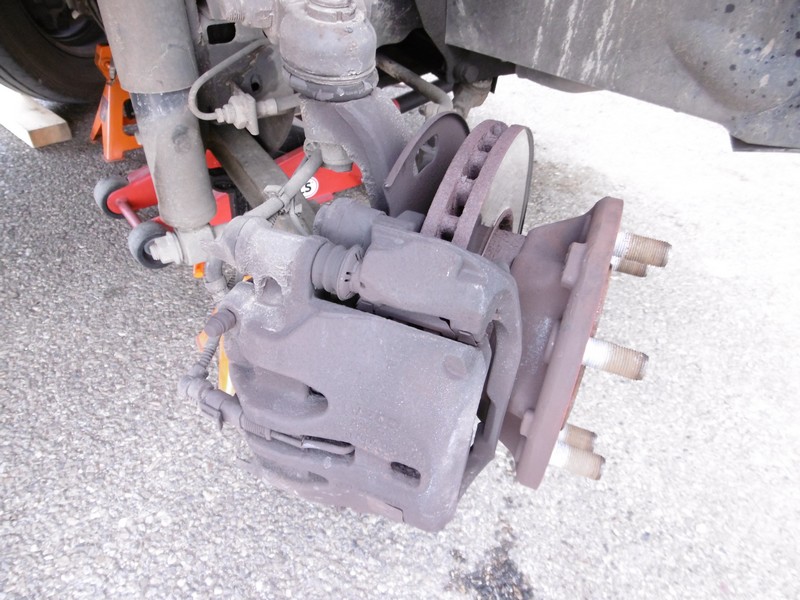
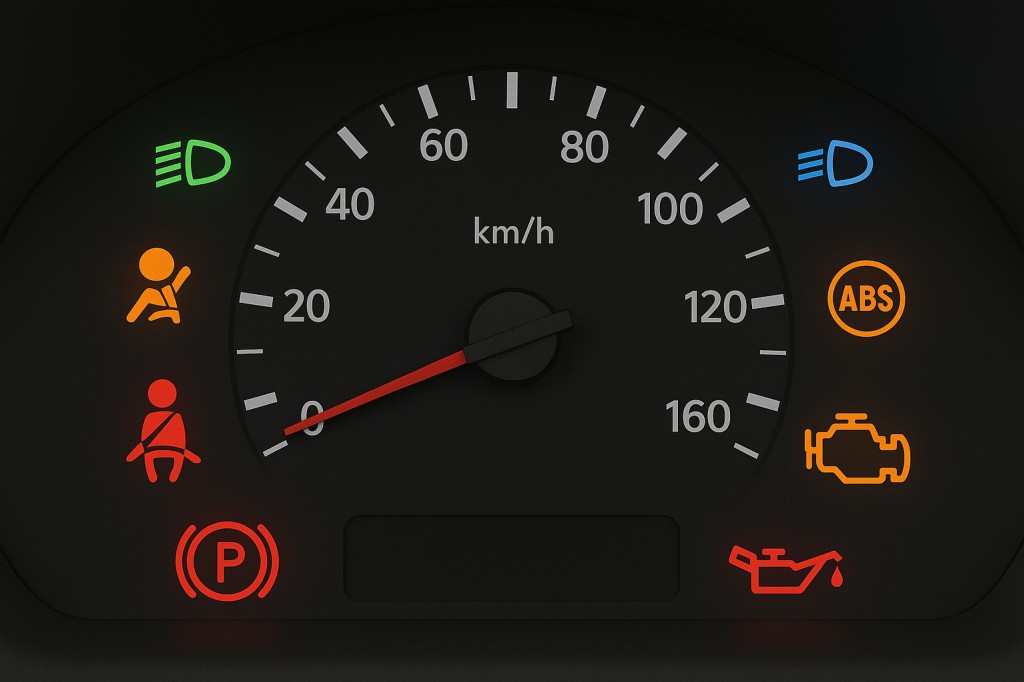
When to change the brake pads on a Daily
Discover our brake pads for the Iveco Daily on our website specialising in Iveco Daily spare parts